
Moving your servers to a data centre in Lithuania
When your servers must stay your own but the office server room no longer meets reliability needs, we move them to a data centre in Lithuania. You get redundant power, cooling, connectivity and physical security, and we keep managing everything.
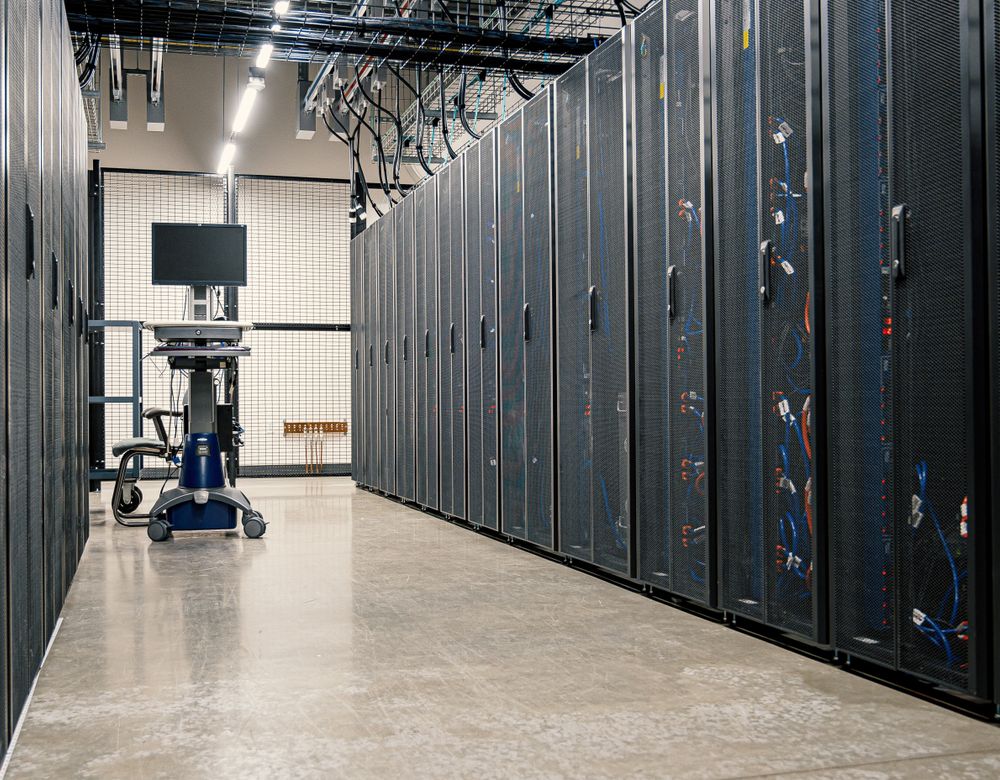
- Location
- Lithuania; for international clients also other EU countries
- Benefits
- Power, cooling, security
- Move
- Planned, over a weekend
- Management
- IThink, remote and on-site
When moving servers makes sense
Office server rooms often lack backup power, proper cooling and physical security. One power or air-conditioning failure can stop the whole company.
- Frequent power or cooling problems
- You need physical security and access control
- You’re moving or downsizing the office
- Customers or NIS2 require resilience
How we work
Assessment
Servers and network equipment, application dependencies, office connectivity needs.
Plan
Rack space, power and connectivity, the move window and a rollback scenario.
Move
Shutdown, transport, racking and network configuration – usually over a weekend.
Check and manage
System tests, monitoring and on-site work whenever it’s needed.
What you get
A move plan
Work sequence, downtime window and rollback scenario.
Racked equipment
Labelled equipment in the rack with documentation and a diagram.
A secure link to the office
VPN or a dedicated line and firewall rules.
Ongoing management
Monitoring, updates and on-site work – by the same team.
Indicative timeline
| Phase | Duration |
|---|---|
| Assessment | 2–5 business days |
| Plan and space order | 1–3 weeks |
| Move | 1 weekend |
| Checks and stabilisation | About 1 week |
Durations are indicative – you get an exact plan and dates in the proposal, after we have assessed your environment.
What we need from you
To keep things moving, please have ready:
- a list of servers and network equipment (models, rack units, power);
- information on applications and their dependencies;
- requirements for the link to your office;
- an agreed downtime window;
- a contact person for decisions during the move.
A typical project: a server room without backup power
The company’s office server room had no backup power, and the air conditioning failed several times during hot weather – servers shut down during working hours.
We assessed the equipment, planned the move, moved the servers to a data centre in Lithuania over a weekend, set up a VPN to the office and added the equipment to monitoring.
On Monday staff worked as usual, and the servers now run with redundant power, cooling and physical security.
A composite example based on our most common projects.
Frequently asked questions
Which data centre will host our servers?
For Lithuanian clients, a data centre in Lithuania. International clients can choose a data centre in Lithuania or in another EU country from our partner list. The exact location, rack and connectivity terms are in the proposal.
Who does on-site work after the move?
We do. Our engineers go to the data centre whenever hardware needs replacing or other hands-on work is needed.
Can we move to the cloud later?
Yes. A data centre is often a stepping stone – later some systems can move to Azure or Microsoft 365.
How do we choose: server room, data centre or cloud?
See the comparison by reliability, security and cost in our guide Office server room or data centre.
Related services
To Azure
Move servers and business applications to Microsoft Azure: virtual machines, backup, disaster recovery and Azure Virtual Desktop.
Learn moreInfrastructure management
Physical and virtual server management, monitoring, updates and backup. VMware, Hyper-V, Azure. Proactive IT infrastructure support in Lithuania.
Learn moreBackup & recovery
Backup for servers, computers and Microsoft 365. Off-site copies, ransomware protection and periodic restore testing.
Learn more